How to Delete Your Account
You can delete your Account from within the User App.
1. Login into the User App
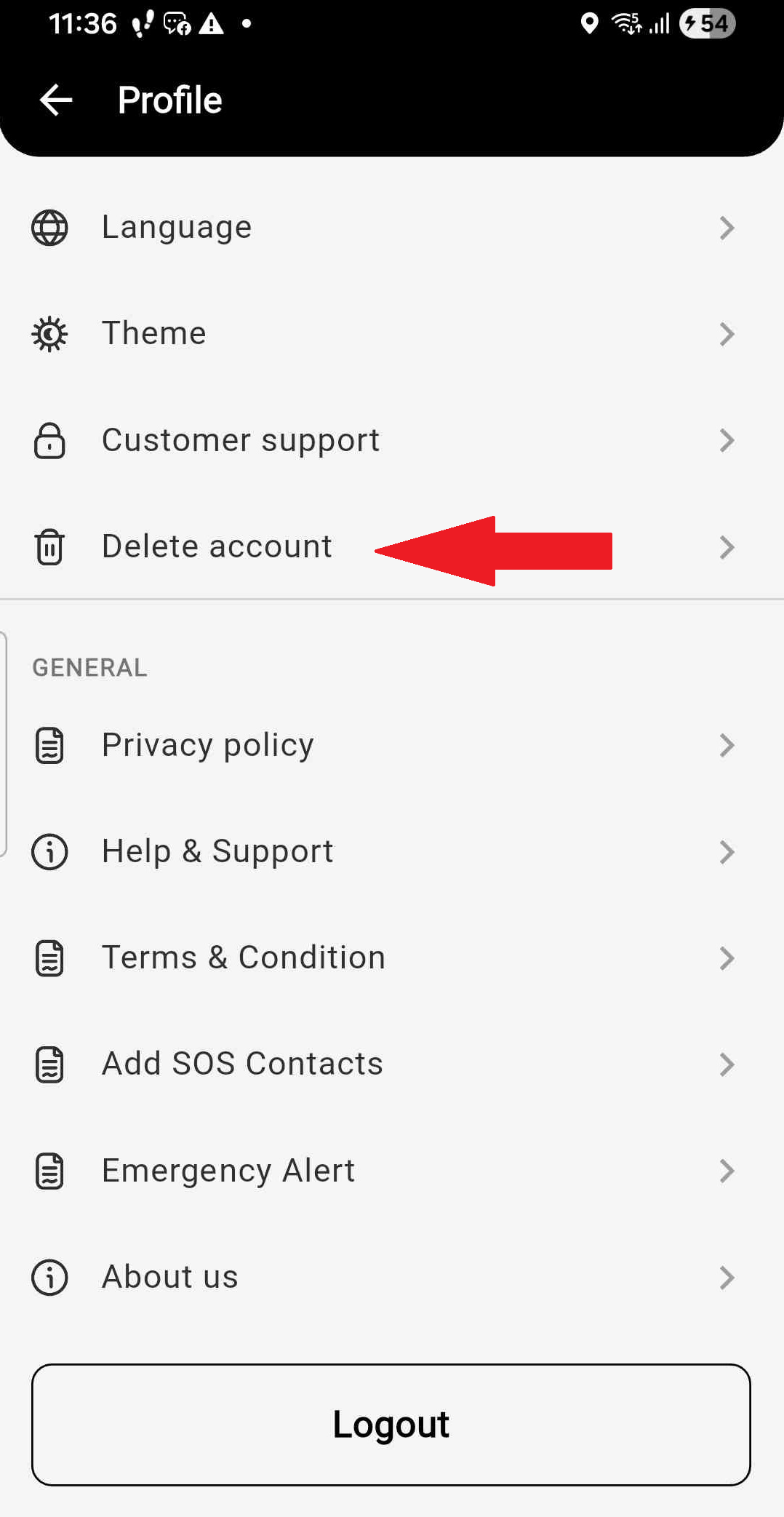
2. Navigate to your "Profile" page by clicking the gear icon on the top right side.
3. On the profile page, scroll down and locate the "Delete Account" menu as shown in the image below:
4. Click to Delete your Account.
If you need further help with having your account deleted, Contact Us